 Hidden Cam Detector
Check the room before you unpack.
Hidden Cam Detector scans the WiFi you're connected to and flags devices that behave like IP cameras, by manufacturer and by the ports they keep open.
Leave your email and we'll take you to the App Store. Used only for app updates, never sold, one-click unsubscribe.
Three checks on every device on the network
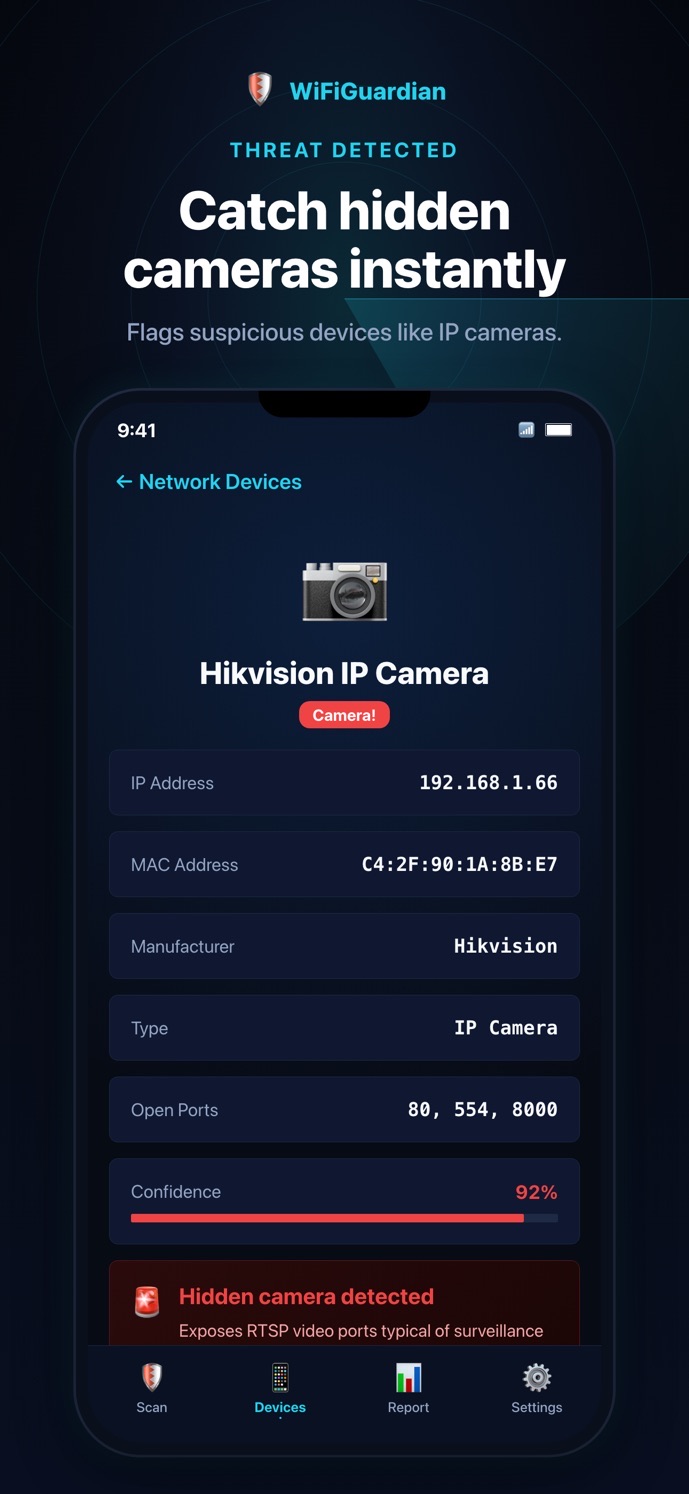
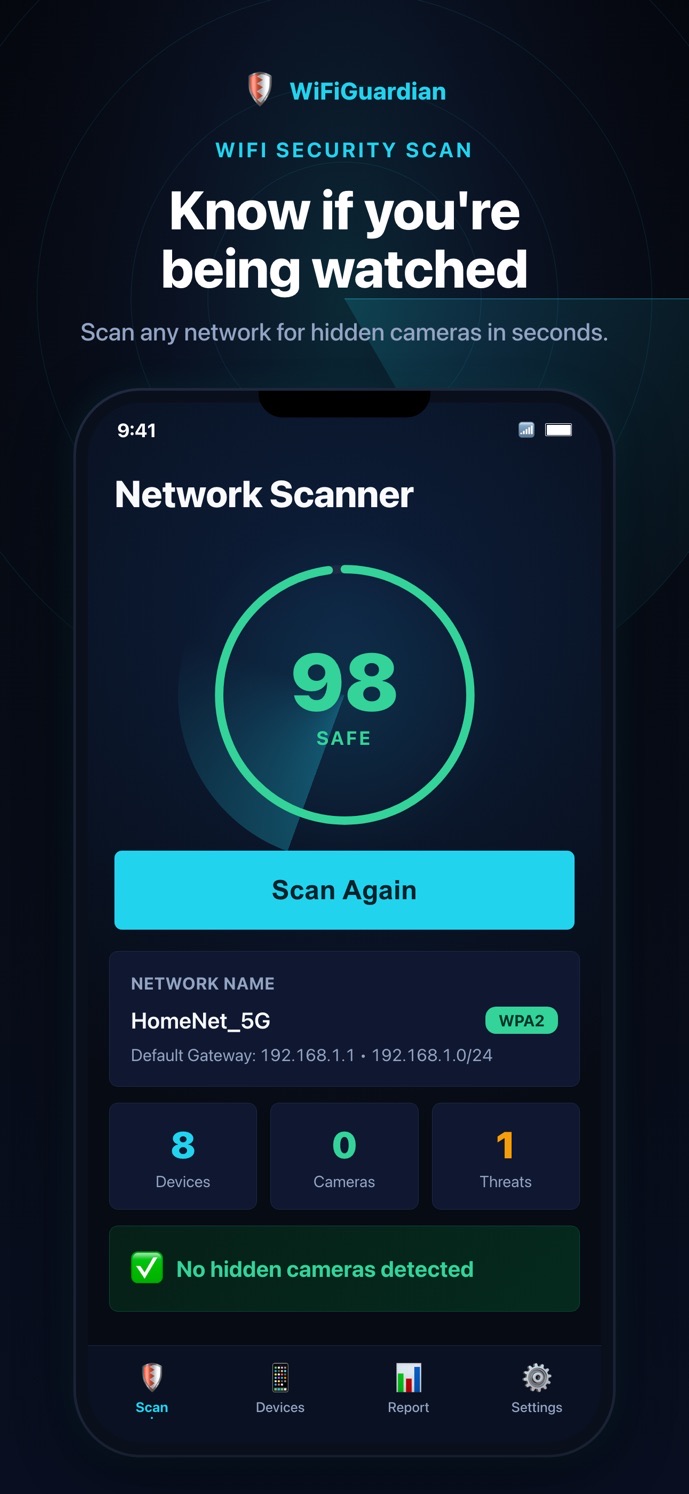
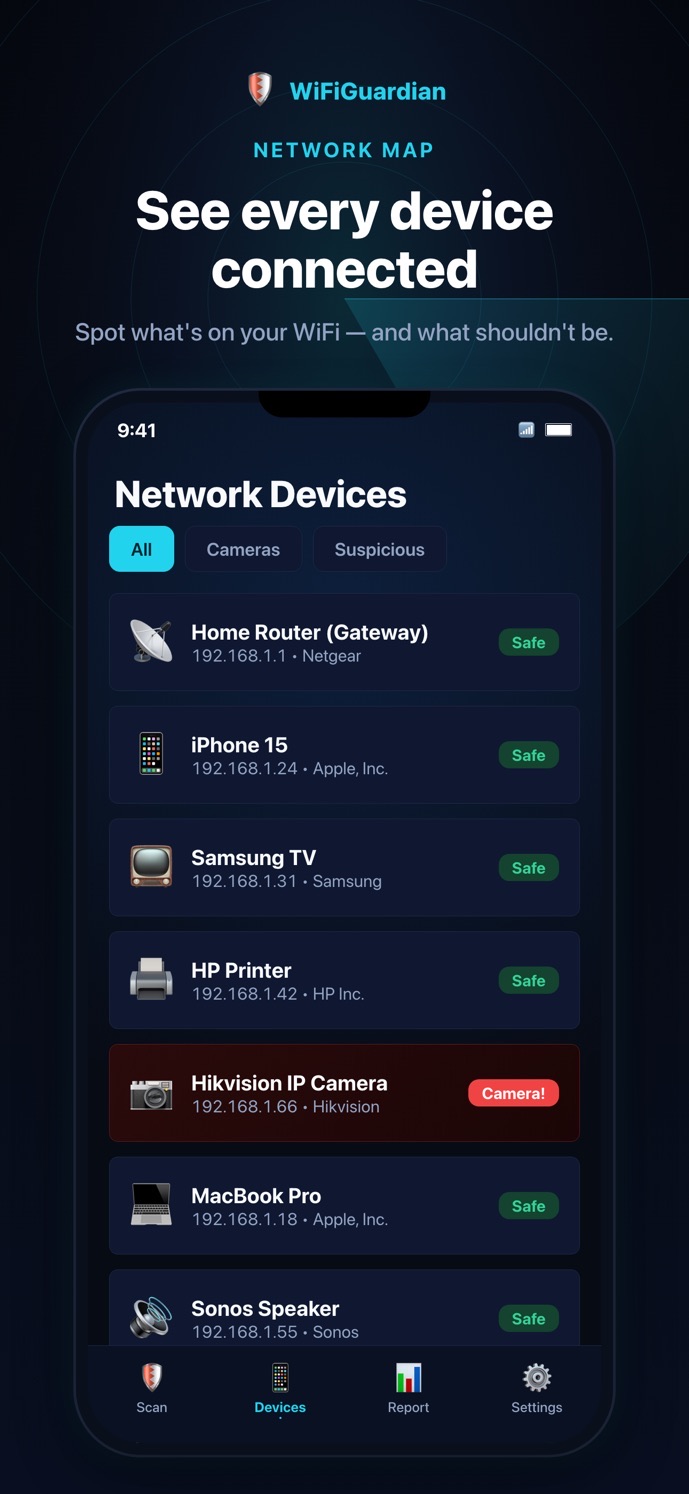
Join the hotel or rental WiFi and tap Scan. Every device on the network is discovered and listed with its IP address.
Each device's hardware address is matched to its manufacturer, so camera brands like Hikvision stand out from TVs and speakers.
Ports cameras typically use, like 554 (RTSP video streaming), are checked. Matches are flagged in red with a confidence score.
What it can and can't see
- WiFi / IP cameras on the same network as your phone
- Devices from known camera manufacturers
- Devices with camera-style open ports
- An overall security score for the network
- Cameras on a different network or cellular
- Wired or analog cameras
- Cameras that are switched off
- Cameras that only record to an SD card
Why this matters: No app can promise a room is camera-free. This one checks the most common kind, a networked camera that streams over the WiFi, in about 30 seconds.
Real screens, not mockups
Your scans stay on your phone
Device lists, IP addresses and scan results never leave your iPhone.
Nothing to sign up for inside the app. Open it and scan.
The app has no ads and doesn't track you. Read the privacy policy.
Context: Airbnb banned indoor security cameras in listings worldwide in 2024. A rule only helps if you can check it.
Questions people ask first
How much does it cost?
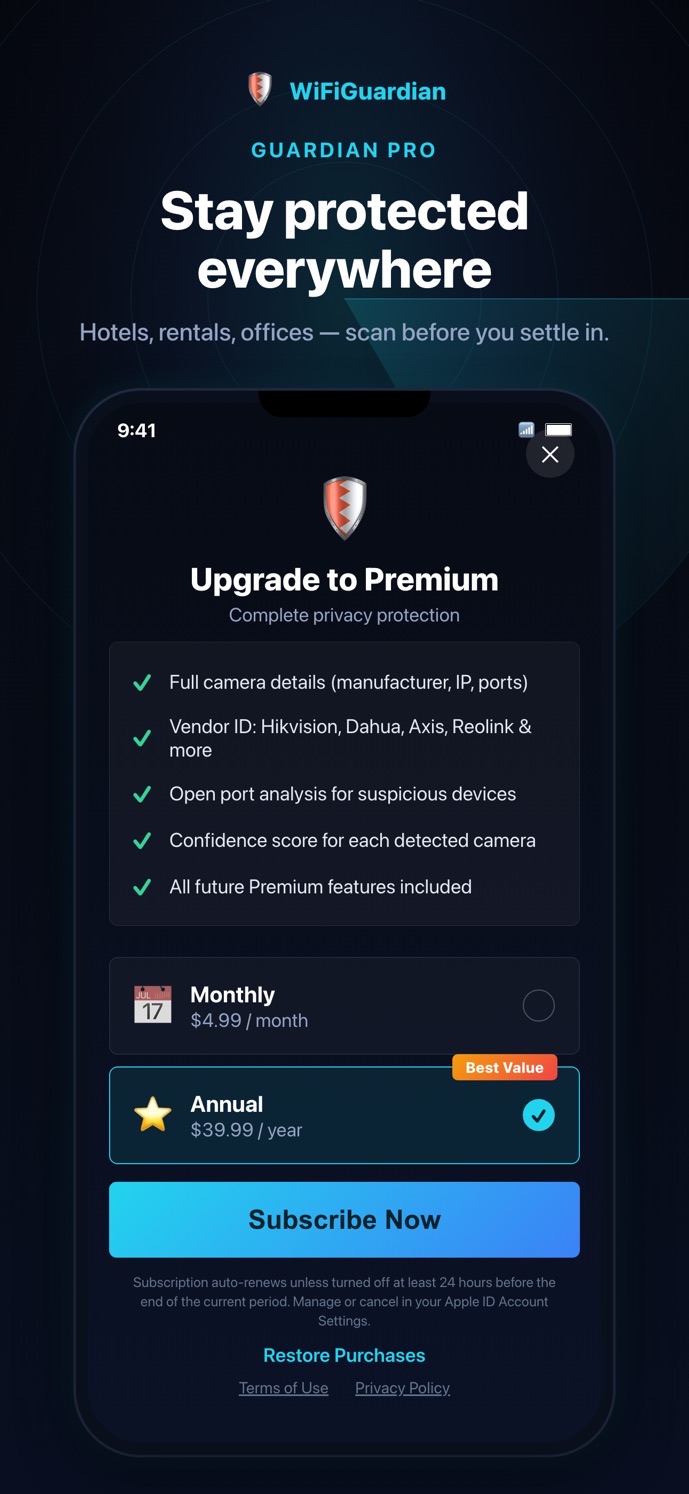
It's a subscription: $10/month, or an annual plan. The exact price for your country is shown in the app before you subscribe, and you can cancel anytime in iPhone Settings → Apple ID → Subscriptions.
Does it work in hotels?
Yes, as long as you're connected to the hotel WiFi. Some large hotel networks isolate guests from each other; in that case the scan shows fewer devices.
The app flagged a device. What should I do?
Look at its manufacturer and location, and check the room physically. If you believe it's a hidden camera, don't touch it: take photos, leave the room and contact the host or platform, and local police if needed.
Why does it ask for Local Network access?
That permission is how iPhone apps are allowed to see other devices on the WiFi. Without it, there's nothing to scan.
Does my data go anywhere?
No. Scans run on your phone and the results stay there. No account is needed.
Is there an Android version?
Not yet. It's iPhone only for now.
Why do you ask for my email?
So we can tell you about updates to the app. One click unsubscribes, and we never sell or share it.
30 seconds, every new room.
iPhone · Takes you to the App Store